Updates
Build Your Backrooms Updates
Track Build Your Backrooms updates, Roblox metadata changes, code retests, room changes and guide refresh notes.
Update watch
When the guide needs to change
| Trigger | Required action |
|---|---|
| Roblox description change | Recheck homepage facts, wiki summary and guide assumptions. |
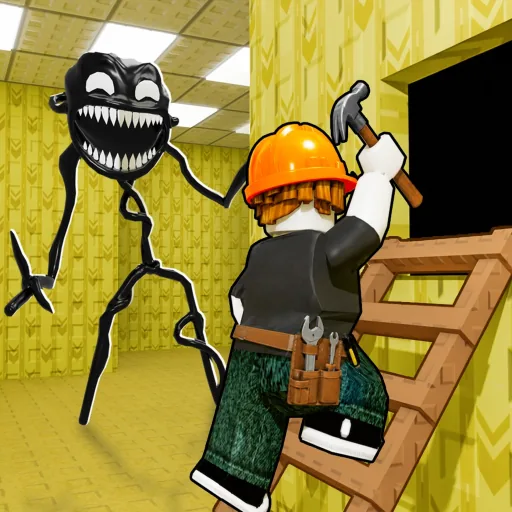
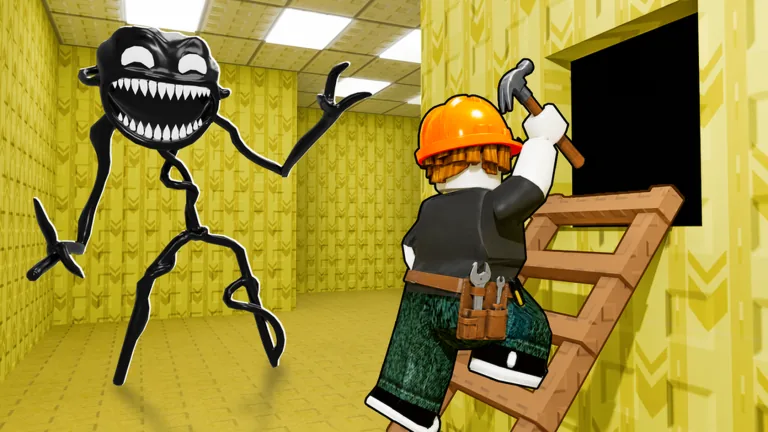
| Thumbnail or icon change | Refresh media ledger and compare whether the game is presenting a new mechanic. |
| Code rumor appears | Test source, redemption UI and reward result before moving anything to active. |
| Room or monster behavior changes | Retest the starter route and update monster placement advice before broad copy edits. |
Codes
Current Build Your Backrooms code status
| Status bucket | Current answer | Rule before publishing |
|---|---|---|
| Active codes | None listed as verified active on this site right now. | Only add a code after source, redemption UI and fresh manual check align. |
| Unverified claims | Do not trust copied reward rows without a date and source. | Keep them out of the active table until the game UI confirms them. |
| Expired codes | No expired-code archive is published until a once-active code fails repeatable checks. | Avoid inventing an expired list just to make the page look full. |
This is intentionally conservative: a codes page is useful only when it protects players from fake rewards instead of making the table look busy.
Wiki map
What this guide should track next
| Area | Useful fields | Evidence status |
|---|---|---|
| Rooms and paths | Route shape, dead ends, branch control, visitor readability | Playable guide data |
| Monsters | Placement timing, traffic coverage, observed catch behavior | Needs repeated checks |
| Buildings | Collection and cash progression context from the official description | Identity confirmed, values unverified |
| Visitors and cash | Entry flow, catch loop, offline behavior note | Exact numbers not claimed |
| Codes | Active, expired and unverified status buckets | Fresh retest required |
| Updates | Roblox metadata, thumbnails, description text and in-game UI changes | Retest after visible change |
Confirmed scope
Game facts this site can safely use
| Fact area | Current wording |
|---|---|
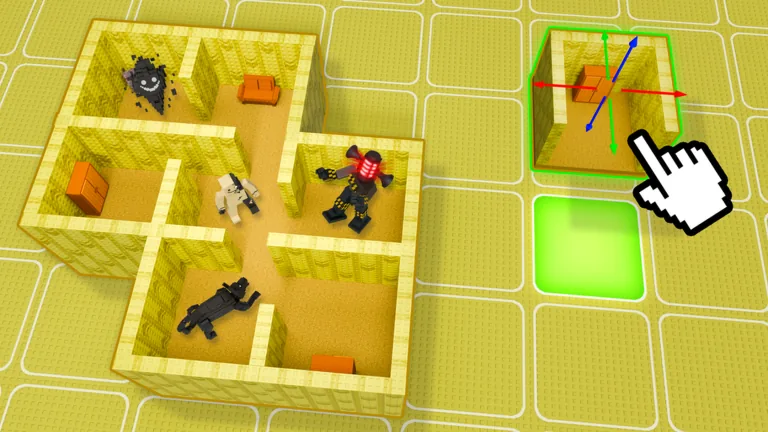
| Core loop | Build a backrooms-style maze, let people enter it, place monsters, catch people and use the result to earn more cash. |
| Collection layer | The official description mentions cool buildings and strong monsters as part of the cash progression loop. |
| Exploration | Players can enter their own maze or another player's maze to explore, so readable routing matters. |
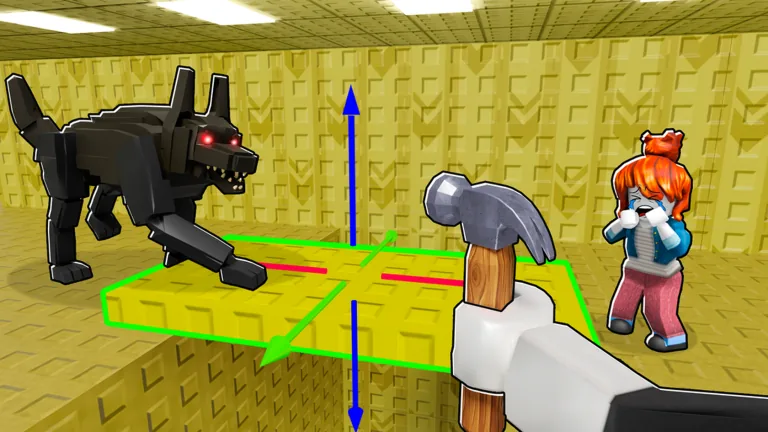
| Offline behavior | The official Roblox description says monsters can catch people even offline. Treat exact offline rates as unverified until retested in game. |
Visual evidence
Real Roblox media, with gameplay claims kept separate
What counts as an update signal
For Build Your Backrooms, an update signal can be a Roblox description change, a thumbnail change, a code rumor, a visible in-game UI change or repeated player reports about room and monster behavior. Search volume alone is not enough because traffic tools often lag the real game state.
How updates should change the site
A useful update page does not just say that something happened. It names the affected route, explains what needs retesting, and links to the page that changed. If a code rumor appears, the codes page changes first. If pathing changes, the beginner guide and wiki map change first.
Why retest windows matter
During an early Roblox discovery window, stale advice can become wrong in hours. Codes, economy behavior and monster placement should be treated as volatile. Identity facts, official URL and platform availability are more stable, but even those should be checked when Roblox metadata changes.
What not to publish as news
Do not publish a separate news post for every copied claim. If a change is not confirmed, it belongs in the watch list. If it is confirmed, update the affected guide or table first, then summarize the change so returning players can see what is different.
Run one clean test before changing the build
Use the update tracker with one controlled in-game test. Change one thing at a time, such as the route shape, monster position or code claim being checked. If several things change at once, the result may feel useful but it will not tell you which decision actually improved the Build Your Backrooms run.
Separate screenshots from repeatable facts
A screenshot can prove that a UI state existed, but it does not always prove a stable mechanic. For guide decisions, prefer facts that can be repeated by more than one player or confirmed again after a Roblox metadata change. This is especially important for rewards, economy behavior and monster placement advice.
Keep the first recommendation conservative
When evidence is incomplete, the guide should recommend the lower-risk player action. For example, skipping an unverified code wastes less time than promoting a fake reward, and building a compact maze is safer than telling players to copy a complex layout with no source behind it.
Update tables before rewriting articles
When something changes, the fastest useful repair is usually a table row, status note or checklist item. Long article rewrites can wait until the changed fact is stable. That keeps returning players from reading old advice while the broader guide is still being improved.
Turn repeated observations into wiki entries
If the same room behavior, monster placement result or cash-loop pattern appears across multiple checks, it can move from a guide note into the wiki map. That is how the site should grow: repeated play evidence first, structured wiki entry second, longer explanatory page only when the topic deserves it.
Action checklist
What this page should help you finish
| Situation | Player action |
|---|---|
| Metadata update | Compare the official Roblox page title, description, icon and thumbnails with the previous snapshot. |
| Gameplay update | Retest one known route, one monster position and the codes flow before writing a broad summary. |
| Rumor wave | Keep claims in the watch list until they affect a real page decision or can be repeated. |
| Published change | Link the update note to the exact codes, guide or wiki table row that changed. |
A Build Your Backrooms guide is only worth keeping if it saves a player a failed check, a wasted code attempt or a confusing maze rebuild. This checklist is the standard for future updates: every new claim should either improve a code decision, clarify a route decision, strengthen a wiki record or explain why an update changed the advice.
Frequently Asked Questions
Are there active Build Your Backrooms updates codes?
Only codes with a source, a redemption method and a fresh check are marked active. Unverified claims are not promoted as active rewards.
Is BuildYourBackrooms.blog official?
No. This is an independent fan guide and wiki with clear source labels and an affiliation disclaimer.
How often should Build Your Backrooms updates information be checked?
During a fast Roblox discovery window, codes and update pages should be checked within hours when new metadata or in-game evidence appears.
Why are some Build Your Backrooms facts marked unverified?
The label protects players from copied claims, fake rewards, invented values and mechanics that cannot be repeated in game.